Only the hours you choose.
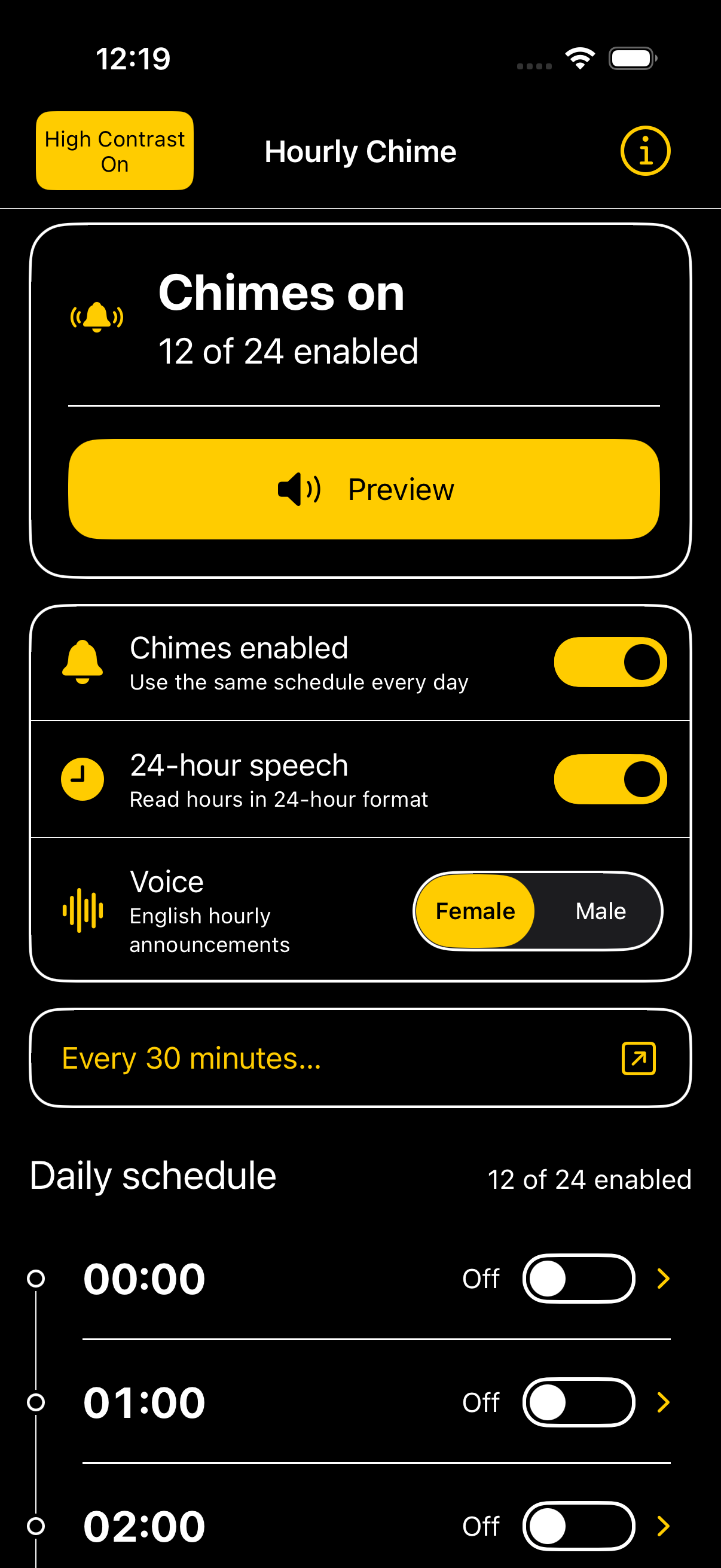
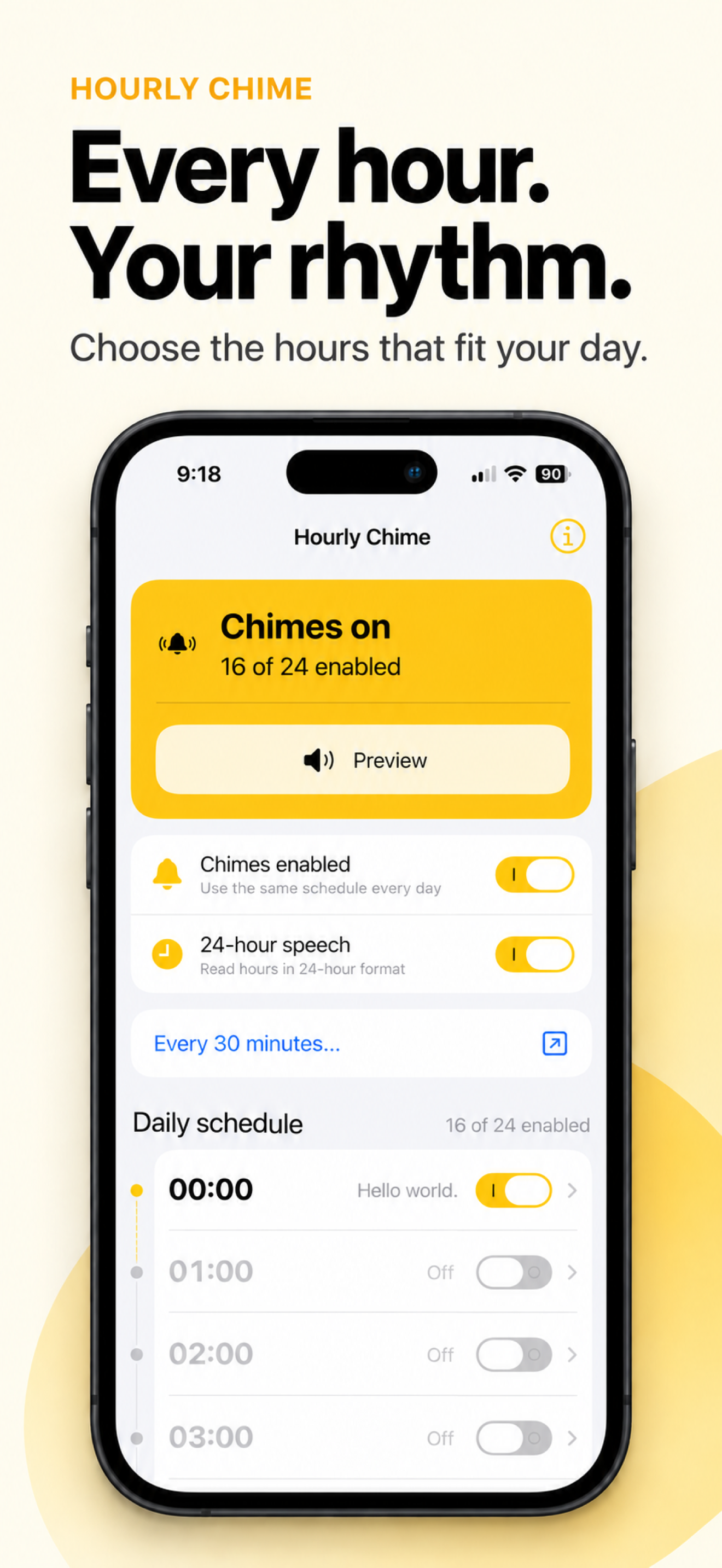
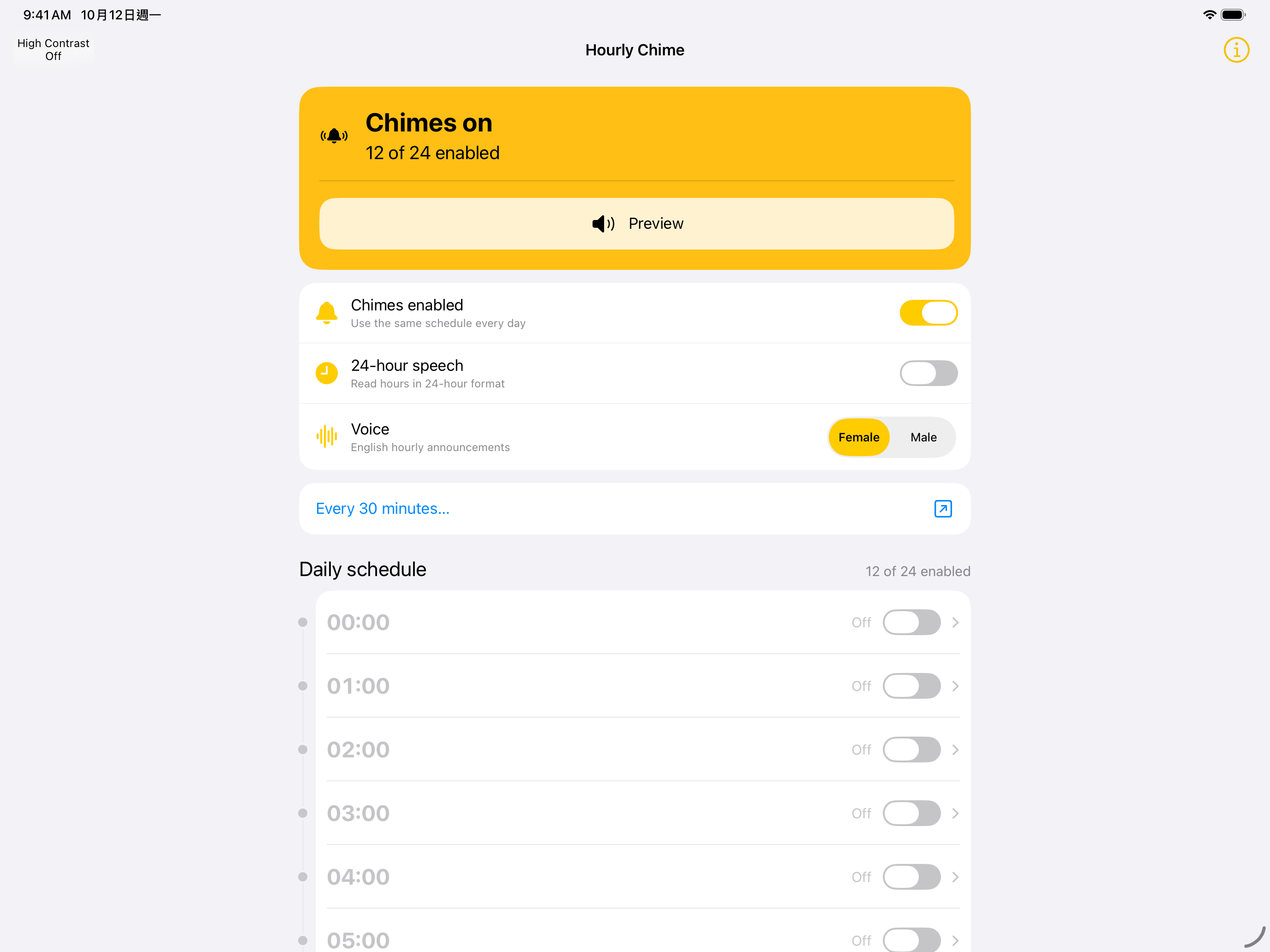
Choose from 24 hourly slots. Turn individual hours on or off and use the same schedule each day.
 Hourly Chime
Meet Hourly Chime, the iOS app that announces the hour. Stay aware of the time while staying with what you love.
Listen to a chime
Scan the QR code with your iPhone or iPad, or share it with a friend.
One moment. Different ways to hear it. Try the actual sounds included in the app.
A chime, a short pause, then the spoken time. Audio plays only when you choose it.
Choose a sample to listen.
Small choices that make timekeeping feel personal.
Choose from 24 hourly slots. Turn individual hours on or off and use the same schedule each day.
Choose a female or male English voice. Preview the sound before making it part of your day.
Switch between 12-hour and 24-hour speech. The same moment, spoken the way you prefer.
Add a personal message to a time slot. Your note appears in the notification alongside your chime.
Designed with blind and low-vision use in mind, with more than one way to read, hear and navigate.
Hear time slots, controls and their current state read aloud, so you can navigate without relying on sight.
Supports iOS Dynamic Type, so app text follows your preferred text size.
A dark appearance offers another way to view your schedule when you prefer a darker screen.
Text labels, symbols and switch positions communicate state together. Color is one cue, not the only cue.
Turn on the optional high-contrast appearance for a black background, white text and yellow controls with clear outlines.